



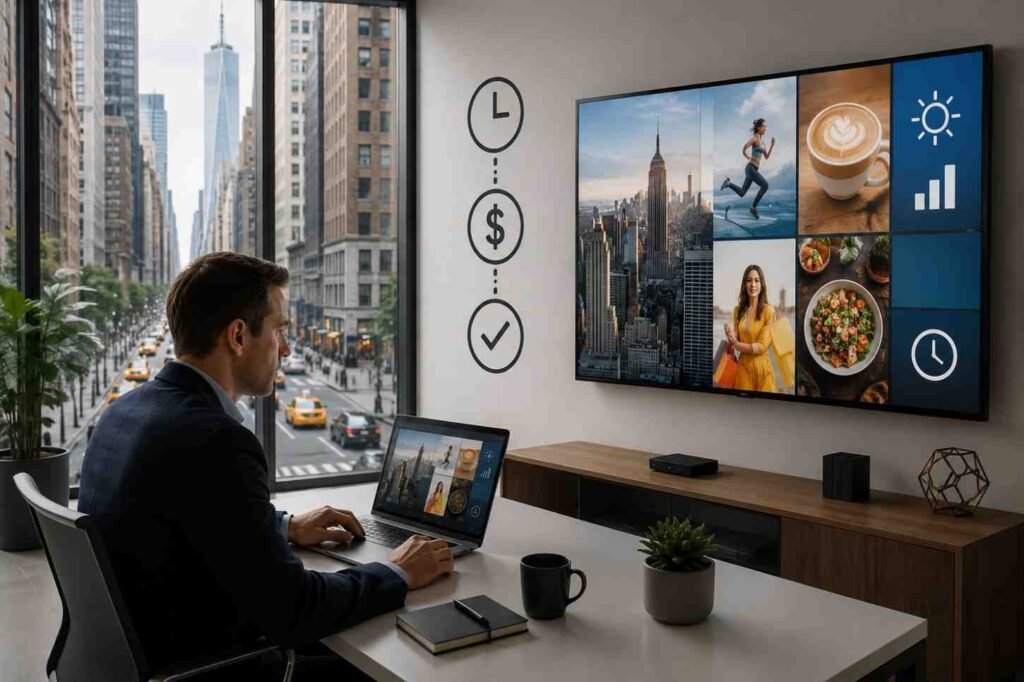
A lot of businesses hesitate before setting up digital signage because they assume it requires a massive investment. Large commercial displays, expensive software subscriptions, complicated installation systems, it all sounds like something only bigger brands can afford. But the reality is very different now.
Digital signage has become far more accessible over the last few years. You no longer need specialized equipment or a full technical team just to display content professionally. In many cases, businesses already have most of what they need sitting unused in storage rooms or mounted on walls. The challenge is not getting started. The challenge is setting it up in a way that stays effective without becoming expensive or difficult to manage later.
The Biggest Mistake People Make With Digital Signage
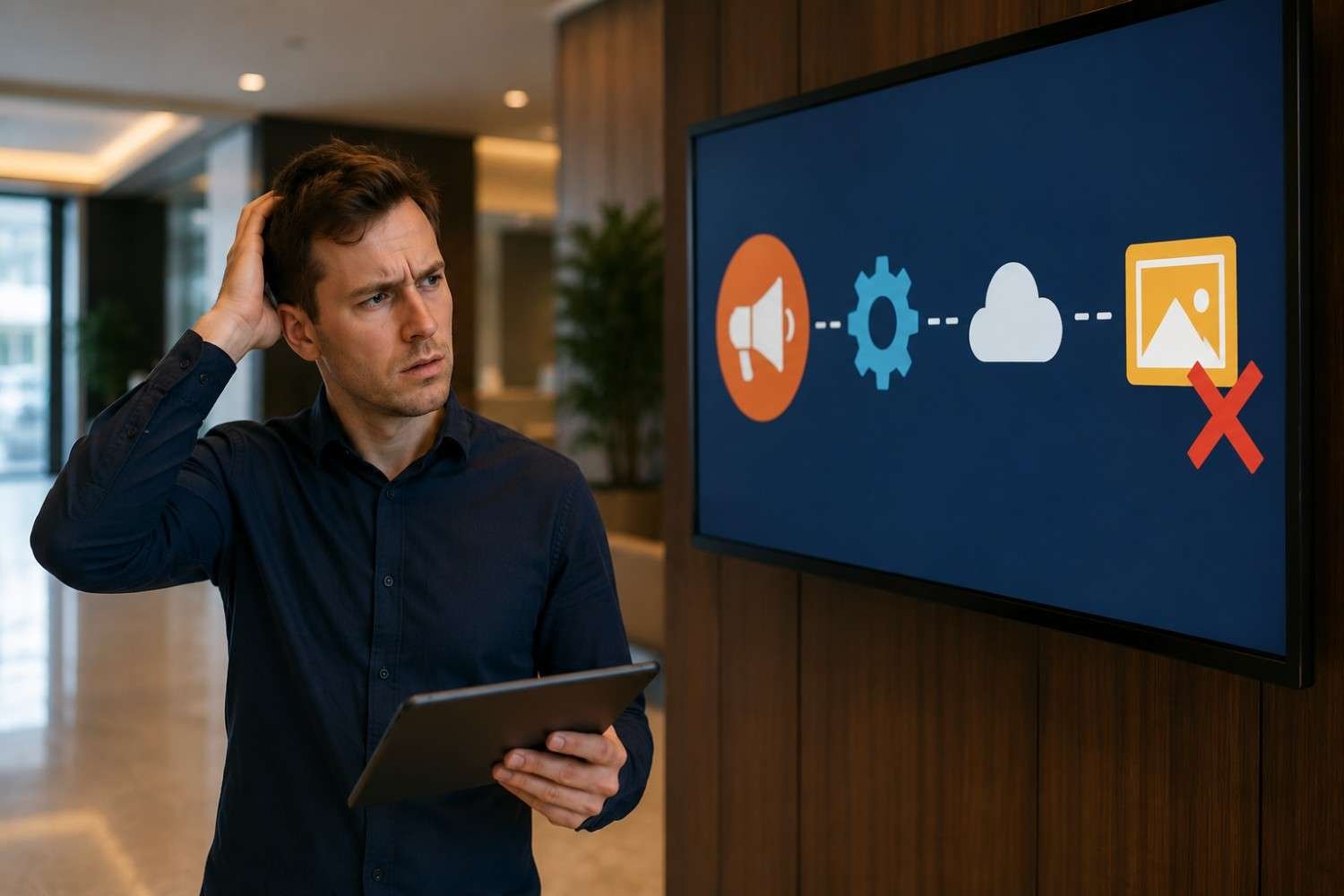
Most setups fail before they even become useful because too much attention goes into the hardware and not enough into the experience.
People often start by searching for the biggest screens or the most advanced software. Then they overload the display with animations, long videos, excessive text, and too many messages competing for attention at once. Instead of improving communication, the signage becomes visual noise.
The most effective digital signage usually feels simple. Clear message, clean layout, easy visibility. That’s what actually holds attention in real environments where people are walking, waiting, multitasking, or only glancing at the screen for a few seconds.
Start With Existing Hardware Instead of Overspending
One of the smartest ways to approach digital signage is by repurposing equipment you already own.
A standard television or monitor with an HDMI port is often more than enough for a starter setup. Many businesses already have screens available that can easily be converted into signage displays. If the screen supports Android TV or Google TV, the process becomes even easier because signage applications can often be installed directly without needing additional hardware.
For older screens, inexpensive devices like Amazon Fire TV Stick, Google Chromecast, or Raspberry Pi systems can turn a regular display into a remotely managed signage screen. That’s why modern signage setups are becoming far more budget-friendly than people expect.
The key is understanding that your audience rarely cares what device powers the screen. They care about whether the message is clear and useful.
Why Cloud-Based Software Changed Everything
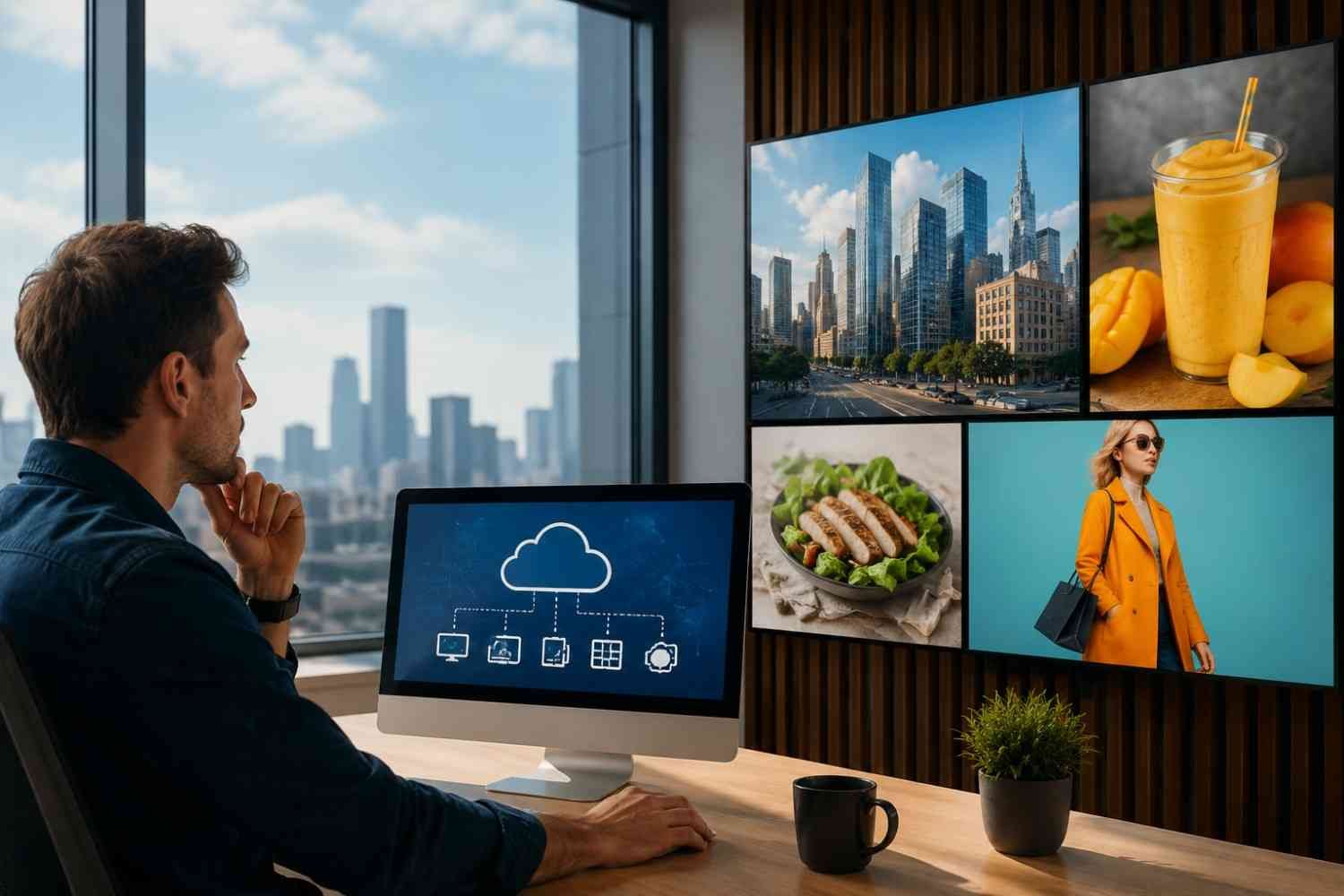
Older signage systems were difficult to maintain because everything relied on local servers and manual updates. That setup created unnecessary complexity, especially for smaller businesses.
Cloud-based platforms changed that completely.
Now, you can manage screen content remotely from a browser without touching the physical display every time an update is needed. Most systems pair through a simple activation code, allowing you to upload visuals, schedule playlists, and rotate content from almost anywhere.
What makes this important is not just convenience. It’s consistency. If updating your screens becomes frustrating, content quickly becomes outdated. Once signage stops changing, people stop noticing it altogether.
That’s why simple management systems usually outperform overly advanced setups long term.
Content Matters More Than Technology
This is the part many businesses underestimate.
People often assume better screens automatically create better engagement, but content quality has a much larger impact than display quality. A clean, readable message on a basic screen usually performs better than cluttered visuals on an expensive display.
Good signage content communicates instantly. Large text, strong contrast, simple visuals, and one clear idea at a time tend to work best. When too much information appears on the screen, viewers mentally filter it out almost immediately.
Templates from platforms like Canva and Adobe Express have made content creation significantly easier because businesses no longer need dedicated designers for every update. Instead of spending hours building layouts manually, teams can create professional-looking slides quickly and focus more on messaging.
Short Visual Loops Usually Perform Better
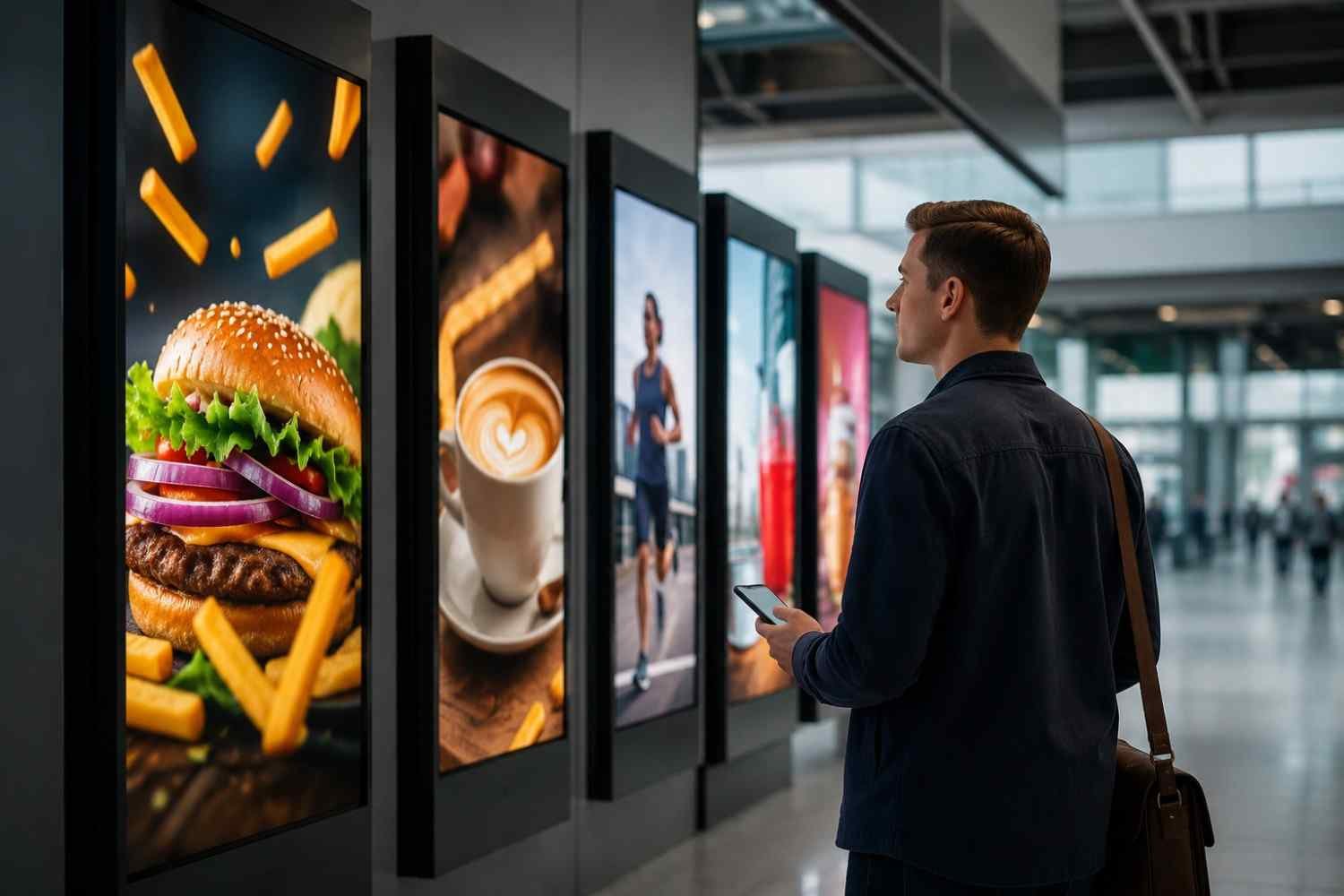
One thing that becomes obvious after observing real-world signage behavior is that people rarely stand still long enough to watch long-form content.
Most viewers interact with signage passively while moving through a space. Because of that, shorter visual loops usually hold attention more effectively than extended videos or complex animations.
Fast-moving visuals are not always better either. Overly aggressive motion can actually reduce readability and make screens feel distracting instead of informative. Smooth transitions and short content cycles tend to create a cleaner viewing experience.
This is also shaping the future of digital signage, where businesses are focusing less on overwhelming displays and more on contextual communication that feels natural within the environment.
Placement Often Determines Success More Than Design
Even strong content becomes ineffective if nobody can comfortably see the screen.
Lighting conditions, viewing distance, and traffic flow all influence performance more than people initially expect. Screens placed near glare, positioned too high, or hidden outside natural sightlines lose effectiveness quickly.
Good placement feels almost invisible because the screen naturally enters the viewer’s attention without demanding effort. That subtle integration usually performs better than forcing oversized displays into every available space.
Simple Systems Usually Last Longer
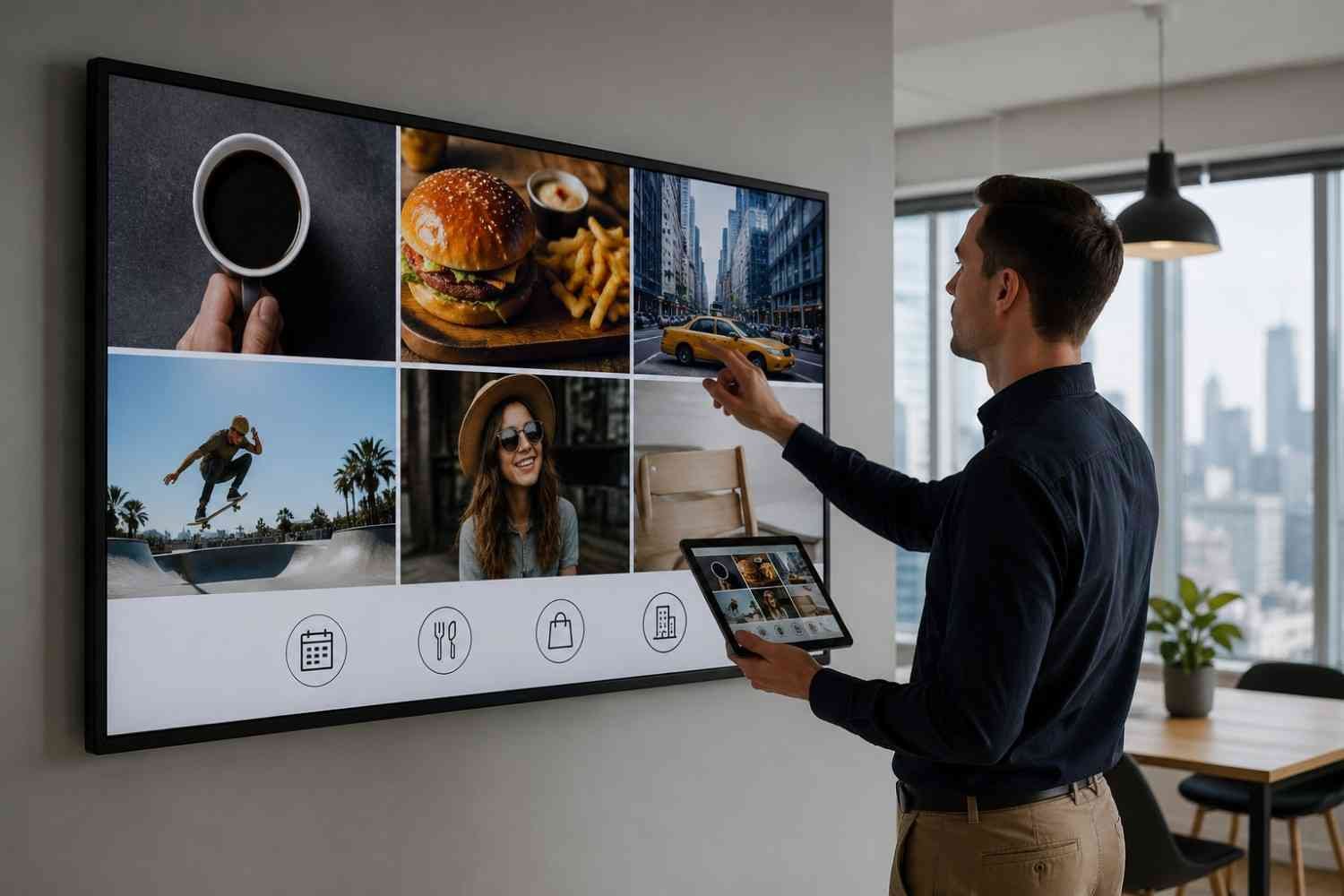
One thing businesses learn very quickly is that complicated setups create maintenance fatigue.
When updating content becomes time-consuming, screens slowly stop getting attention internally. Promotions become outdated, visuals stay unchanged for months, and the signage eventually blends into the background.
The most sustainable systems are usually the ones that are easy to manage. Simple workflows, repeatable templates, and lightweight scheduling systems make it far more realistic to keep content fresh consistently.
That consistency matters more than advanced features most of the time.
FAQs: Steps to Create Digital Signage Without Wasting Time or Budget
1. What is the easiest way to start digital signage?
Using an existing TV with a cloud-based signage platform is usually the simplest and most affordable starting point.
2. Do I need commercial screens for digital signage?
Not always. Many businesses successfully use standard TVs or monitors, especially during the early stages of setup.
3. What makes digital signage effective?
Clear messaging, readable design, proper placement, and regularly updated content usually matter more than advanced technology.
4. Can digital signage be managed remotely?
Yes. Most modern cloud-based signage platforms allow remote content scheduling and updates from a browser dashboard.
Final Thoughts
The best digital signage setups are rarely the most complicated ones. They work because they communicate clearly, stay easy to manage, and fit naturally into the environment they’re placed in. Once businesses stop treating signage like a technical project and start treating it like visual communication, the process becomes much more practical.
And honestly, that shift changes everything. Because effective signage is not really about screens or software, it’s about delivering the right message quickly enough that people actually notice it.