
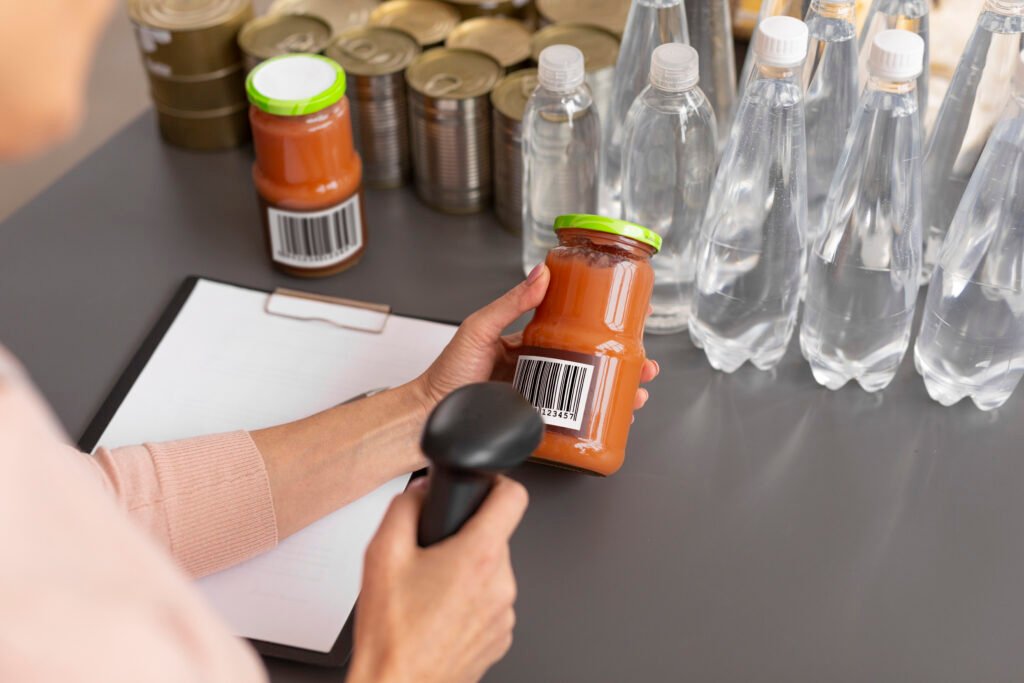
Before customers read ingredients, reviews, or product descriptions, they usually notice the label first. I’ve seen small businesses completely transform how their products look simply by improving label quality, design, and printing choices. A strong label does more than identify a product.
It builds trust, improves shelf appeal, and helps brands stand out in crowded US markets. This custom label printing guide explains how to choose the right materials, layouts, finishes, and printing methods to create labels that look professional and attract more customers.
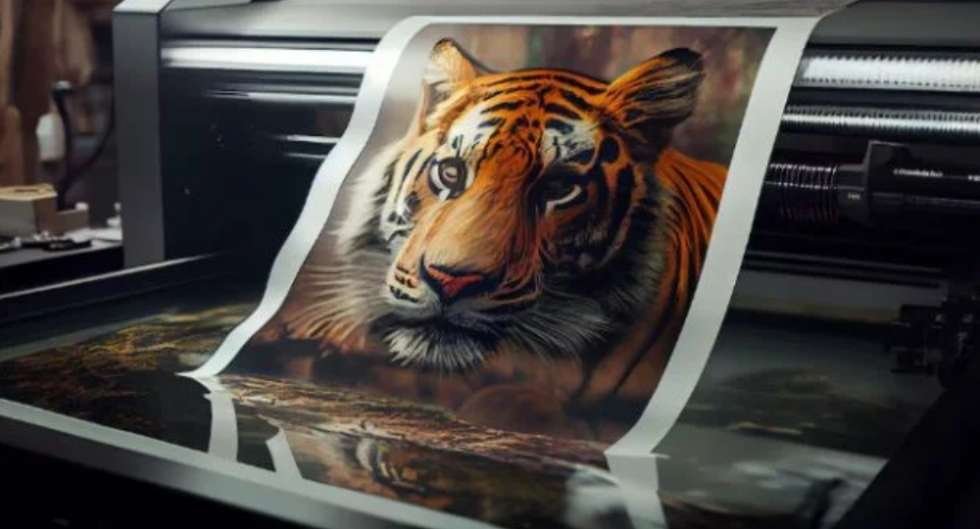
Inkjet printers work well for short-run labels that require strong color gradients and photographic detail.
Many Etsy sellers and startup businesses begin with inkjet printing before scaling production.
Laser Printing for Crisp Text
Laser printers typically produce sharper text and more durable barcodes compared to inkjet systems.
They also reduce smudging issues.
Thermal Printing for Shipping Labels
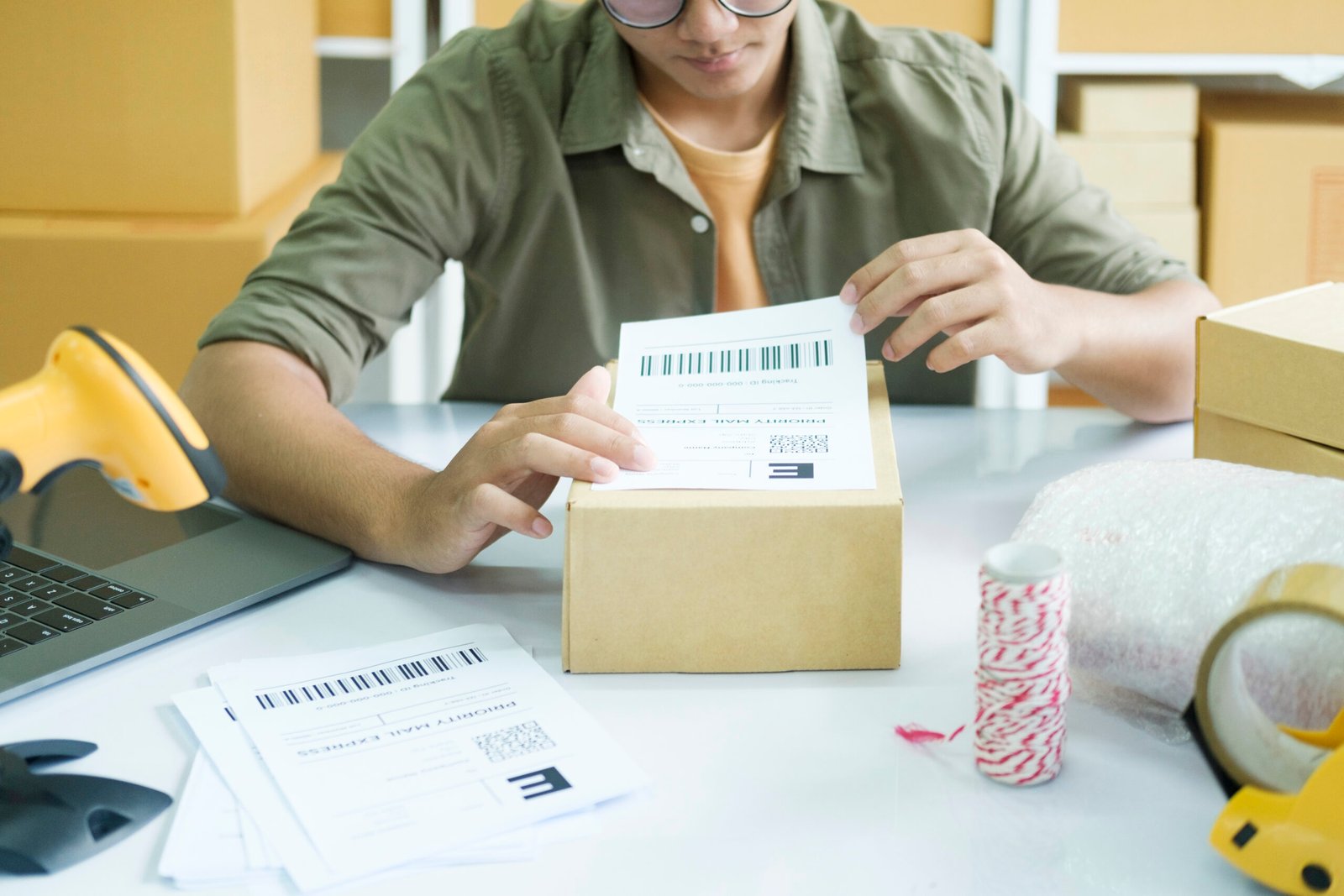
Thermal printers are extremely popular among ecommerce businesses because they print barcodes and shipping labels quickly without using ink cartridges.
Digital Printing for Commercial Orders
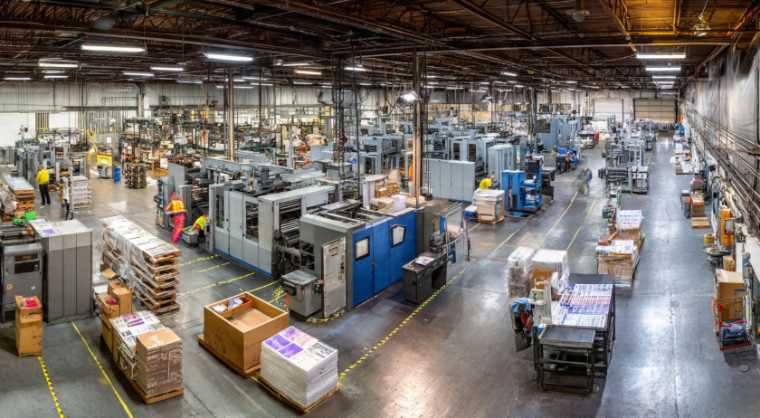
Digital printing works best for short-to-medium production runs because it supports fast turnarounds and multiple product variations efficiently.
Flexographic Printing for Large Production Runs
Large retail brands often use flexographic printing because it provides:
- High production speed
- Consistent color accuracy
- Lower long-term costs
- Excellent large-volume efficiency
Step-by-Step Home Printing Process
If you print labels at home, proper setup dramatically reduces alignment issues and wasted materials. For many small businesses and entrepreneurs focused on understanding startups, learning these basic printing adjustments early can prevent expensive packaging mistakes later.
First, set page scaling to “Actual Size” or 100% instead of “Fit to Page.” Incorrect scaling often causes misaligned cuts.
Next, perform a test print on regular copy paper before loading expensive label sheets. I always compare the test sheet directly against the label stock under a light source to verify alignment accuracy.
Printer tray orientation also matters more than many beginners realize. Some printers feed sheets face-up while others feed face-down.
Finally, adjust printer settings from “Plain Paper” to “Glossy,” “Label,” or “Heavyweight” depending on your material type. This improves ink saturation and print quality significantly.
How Proper Label Application Prevents Packaging Problems
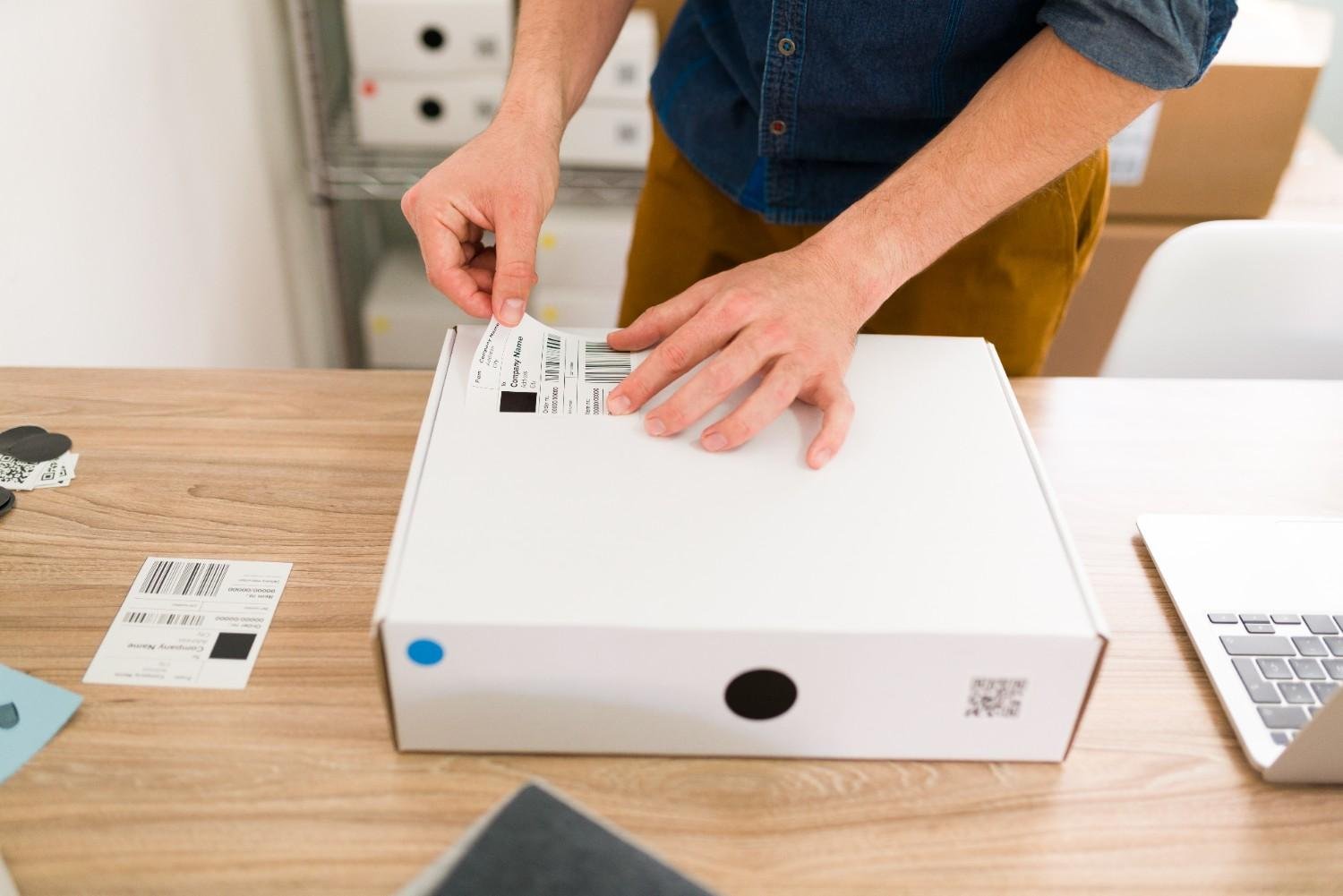
Even high-quality labels can fail if applied incorrectly.
Surfaces should always remain clean and free from:
- Dust
- Oil
- Moisture
- Grease residue
Temperature also affects adhesive performance heavily. Most labels apply best between 60°F and 80°F.
When applying labels manually, position the center portion first, then press outward gradually toward the edges. This technique helps prevent trapped air bubbles and wrinkles.
Why Tamper-Proof Packaging Builds Customer Trust
Customers increasingly expect packaging to feel secure and professional.
Tamper-evident labels help reassure buyers that products remain unopened and safe. This is especially important for:
- Supplements
- Food products
- Cosmetics
- Wellness products
- Pharmaceuticals
Businesses that combine waterproof materials with tamper-proof packaging often build stronger customer confidence over time.
Sustainable Packaging Continues Growing Across the US
Sustainability now influences buying behavior heavily throughout the American market.
Many brands increasingly use:
- Recycled paper materials
- Eco-friendly adhesives
- Soy-based inks
- Compostable packaging
- Minimalist packaging systems
I believe sustainable packaging will continue becoming one of the strongest purchasing factors over the next several years.
Why Smart Labels and QR Codes Are Expanding Rapidly
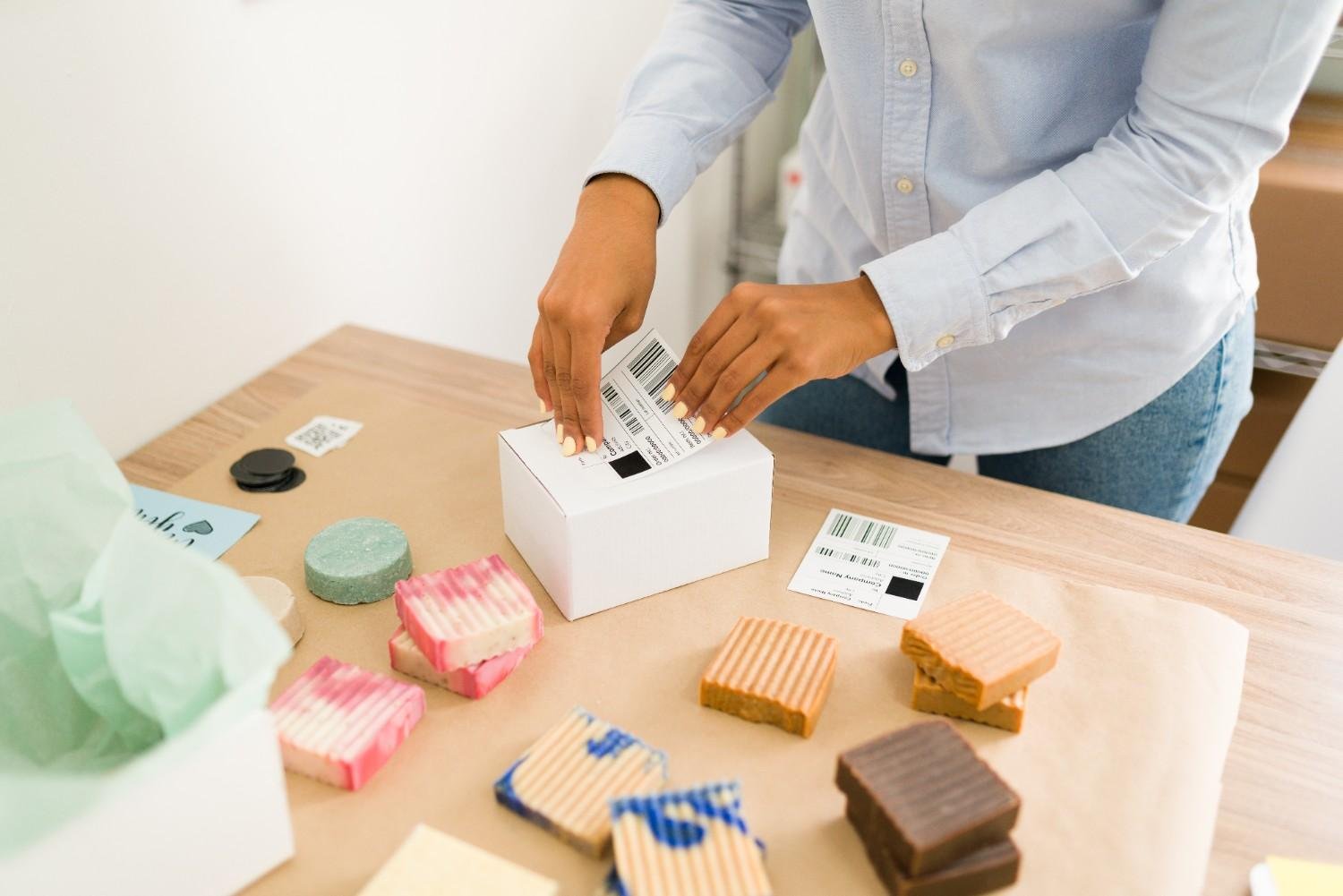
Modern packaging now connects directly with digital experiences.
QR codes can instantly direct customers toward:
- Product tutorials
- Ingredient sourcing
- Loyalty programs
- Video instructions
- Authentication pages
- Brand social media
This creates stronger engagement while improving customer interaction after purchase.
Frequently Asked Questions (FAQs)
1. What is the best material for waterproof product labels?
BOPP and vinyl labels are usually the best waterproof options because they resist oils, moisture, scratches, and refrigeration conditions effectively.
2. What resolution should label artwork use?
Professional printing typically requires artwork exported at 300 DPI to maintain sharp text and image clarity.
3. What is the best printer for small business label printing?
Inkjet printers work well for colorful short runs, while laser printers provide sharper text and barcode quality.
4. Why is bleed important in label printing?
Bleed zones prevent unwanted white borders from appearing after labels are trimmed during production.
5. Is this custom label printing guide suitable for ecommerce businesses?
Yes. Ecommerce businesses especially benefit from durable waterproof labels, strong branding consistency, QR code integration, and tamper-proof packaging.
Where Strong Packaging Creates Long-Term Brand Growth
The best labels balance durability, readability, branding, compliance, and visual appeal simultaneously. A successful label should survive shipping, handling, refrigeration, and customer use while still looking professional weeks later.
This custom label printing guide shows how much labels influence customer perception, ecommerce trust, and product presentation. Small improvements in material quality, layout structure, finishes, and printing accuracy can dramatically improve how customers view your brand.
Businesses that invest in stronger packaging usually create stronger long-term recognition, higher trust, and better repeat customer retention. In many cases, effective packaging also supports broader local business marketing strategies by helping brands appear more professional, recognizable, and trustworthy both online and in physical retail spaces.