

Printing is still essential for many businesses, but it often leads to unnecessary waste—wasted paper, ink, energy, and even time. Whether you run an office, a print shop, or use a home printer, reducing waste can save money and support sustainability goals.
If you’re looking to understand how to reduce waste in printing, this guide covers practical strategies, tools, and habits that help minimize waste without compromising productivity.
Why Reducing Printing Waste Matters
Printing waste contributes significantly to environmental damage. Excess paper usage leads to deforestation, while discarded cartridges and misprints add to landfill waste. On the business side, inefficient printing increases operational costs.
By reducing waste, businesses can lower expenses, improve efficiency, and demonstrate environmental responsibility. Even small changes can lead to substantial savings over time.
Common Causes of Printing Waste
Before reducing waste, it’s important to understand where it comes from. Many organizations unknowingly waste resources due to inefficient practices.
Frequent causes include printing unnecessary documents, incorrect formatting, single-sided printing, and poor printer maintenance. In 3D printing, waste often comes from excess filament used during color changes or failed prints.
Identifying these issues is the first step toward improvement.
Optimize Printer Settings for Efficiency
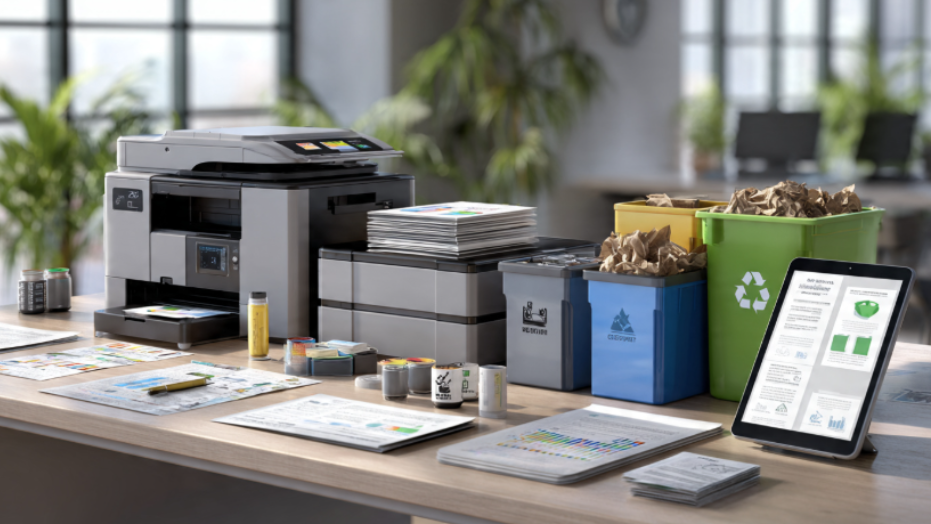
One of the easiest ways to reduce waste is by adjusting default printer settings. Most printers are configured for high-quality, single-sided, color printing by default, which uses more resources than necessary.
Smart Printer Settings to Use
- Enable double-sided (duplex) printing to cut paper usage in half
- Set default printing to black-and-white instead of color
- Use draft or eco mode for internal documents
- Print multiple pages per sheet for presentations and reports
These small adjustments can significantly reduce paper and ink consumption over time.
Use Print Preview to Avoid Errors
Printing mistakes are a major source of waste. Misaligned text, blank pages, or formatting errors often result in reprints.
Always use the print preview feature before printing. This allows you to check layout, margins, and page count. Taking a few seconds to review can prevent unnecessary waste and frustration.
Adopt a Digital-First Approach
One of the most effective ways to reduce printing waste is to print less. Many documents no longer need to be printed thanks to digital tools.
Businesses can use cloud storage, digital signatures, and email communication instead of printing physical copies. Internal drafts, invoices, and reports can often be shared electronically.
A digital-first approach not only reduces waste but also improves efficiency and accessibility.
Choose Eco-Friendly Fonts and Layouts
Font choice may seem minor, but it can impact ink usage. Some fonts use more ink due to thicker strokes, while others are designed to be more efficient.
Fonts like Garamond or Century Gothic use less ink compared to heavier fonts. Additionally, optimizing document layouts—such as reducing margins and spacing—can minimize the number of pages printed.
These subtle changes contribute to long-term savings.
Maintain Printers to Prevent Waste
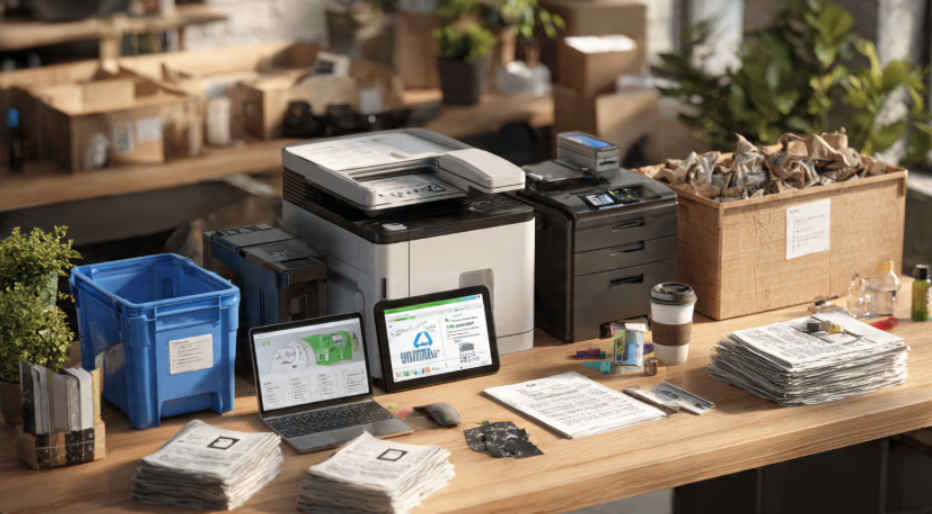
Poorly maintained printers can lead to frequent errors, smudged prints, and paper jams. These issues result in wasted materials and time.
Regular cleaning and maintenance ensure that printers operate efficiently. Replacing worn-out components and using high-quality paper can also reduce misprints.
A well-maintained printer not only reduces waste but also extends the lifespan of the equipment.
Implement Print Management Systems
For businesses, managing printing across teams can be challenging. Print management software provides control and visibility over printing activities.
Benefits of Print Management
- Tracks printing usage across departments
- Sets limits or quotas to reduce unnecessary printing
- Requires authentication or codes before printing
- Encourages responsible printing behavior
These systems help organizations monitor and optimize their printing processes effectively.
Use Recycled Materials and Recycling Programs
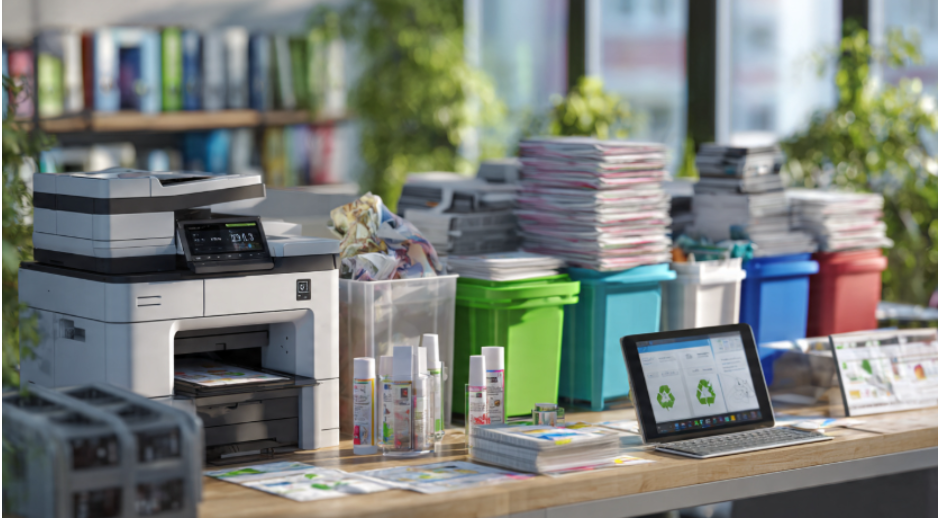
Switching to recycled paper and participating in recycling programs can significantly reduce environmental impact.
Recycling used paper and toner cartridges prevents them from ending up in landfills. Many manufacturers offer cartridge return programs, making it easier to dispose of them responsibly.
Using recycled materials also supports sustainable production practices and reduces reliance on natural resources.
Reduce Waste in 3D Printing

3D printing introduces a different type of waste—filament waste. This often occurs during color changes, failed prints, or inefficient setups.
To reduce filament waste, users can optimize printing settings and design strategies. Reducing flushing volumes in slicer software can minimize excess material. Printing multiple objects together or arranging prints efficiently can also help.
Another effective method is purging filament into the infill of a model or a functional object instead of using separate purge towers. Planning color sequences from light to dark can further reduce waste.
These techniques ensure that 3D printing remains efficient and sustainable.
Encourage Sustainable Printing Habits
Technology alone cannot eliminate waste. Employee awareness and habits play a crucial role in reducing printing waste.
Organizations should educate teams about responsible printing practices. Encouraging employees to think before printing and use digital alternatives can make a significant difference.
Simple reminders and policies can create a culture of sustainability within the workplace.
Frequently Asked Questions
How can we reduce printing waste?
You can reduce printing waste by using double-sided printing, previewing documents before printing, switching to digital formats, and using eco-friendly settings like draft mode.
What are 5 ways to reduce waste?
Five ways to reduce waste include reducing consumption, reusing materials, recycling, composting, and choosing sustainable products.
What are the 5 R’s of waste reduction?
The 5 R’s are Refuse, Reduce, Reuse, Recycle, and Rot. These principles guide sustainable waste management practices.
What are the 4 R’s of waste reduction?
The 4 R’s are Reduce, Reuse, Recycle, and Recover. They focus on minimizing waste and maximizing resource efficiency.
Building a Sustainable Printing Strategy
Understanding how to reduce waste in printing is essential for businesses and individuals who want to save costs and protect the environment. By combining efficient printer settings, digital tools, and responsible habits, you can significantly minimize waste.
Adopting sustainable practices like using recycled paper and optimizing workflows complements the broader benefits of recycled paper printing, creating a more eco-friendly printing ecosystem. When combined with efficient processes like how printing services work for businesses, organizations can achieve both operational efficiency and environmental responsibility.
Reducing printing waste is not just about cutting costs—it’s about building a smarter, more sustainable future. Small changes today can lead to long-term benefits for both your business and the planet.